Eight Years in the Making. Welcome to Protomight!
Welcome to Protomight! After eight years of dreaming, planning, and creating, I'm excited to introduce a new home for tabletop game designers, makers, and creative minds.


You have the idea. Protomight helps you bring it to life through professional design tools and high-fidelity techniques, from your first icon to a complete tabletop prototype.
Build cards, boards, and components with consistent visual systems that grow and adapt alongside your creative vision.
Explore the courses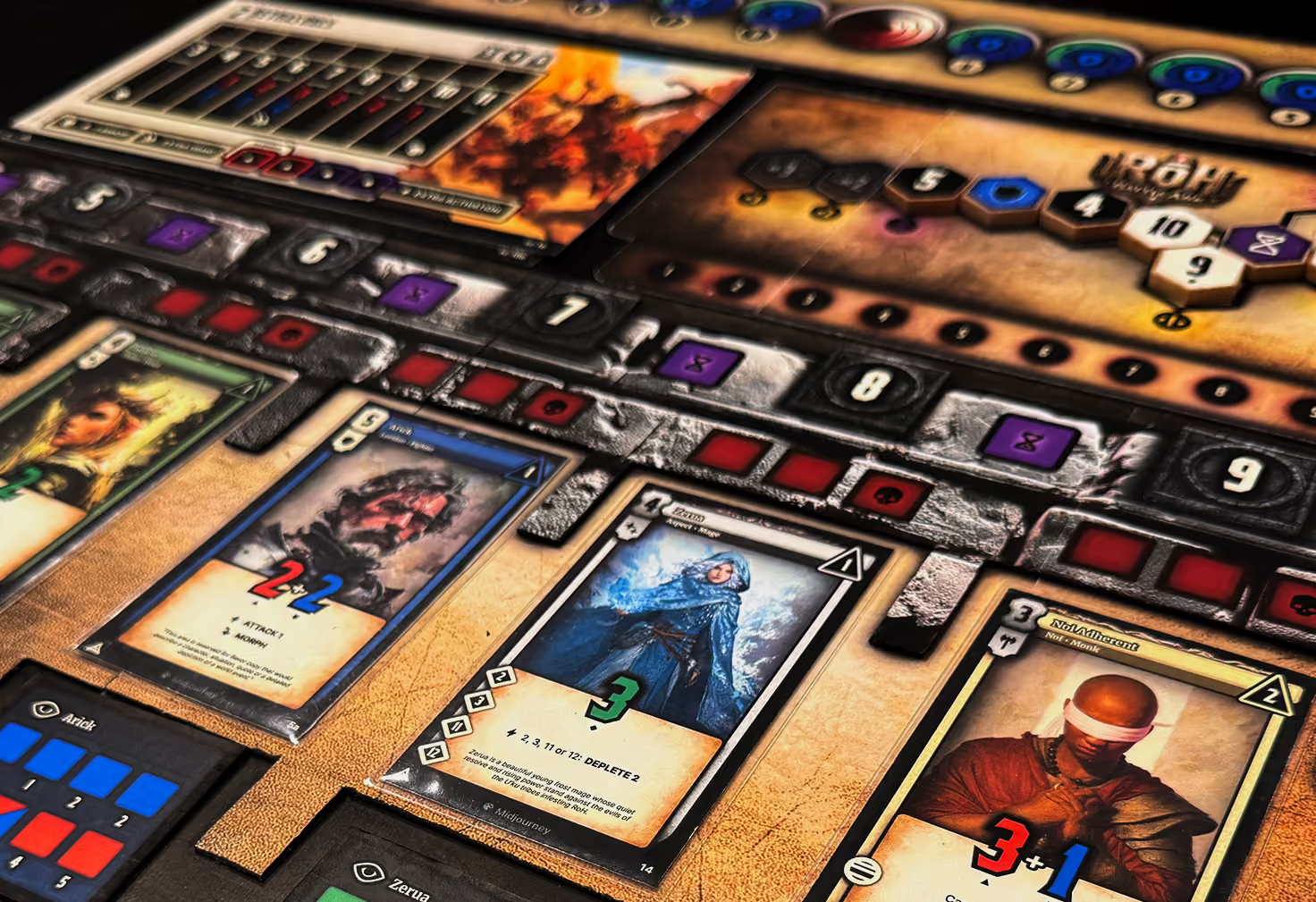
Build a foundation, turn it into a system, connect your game data, and bring the prototype into a digital play space. Each course gives the next one something powerful to work with.
Course 01 - FREE

Create your visual foundation.
Design a detailed style guide and game icons, then bring your colors, styles, and assets into a Figma library.
Course 02

Build your design system.
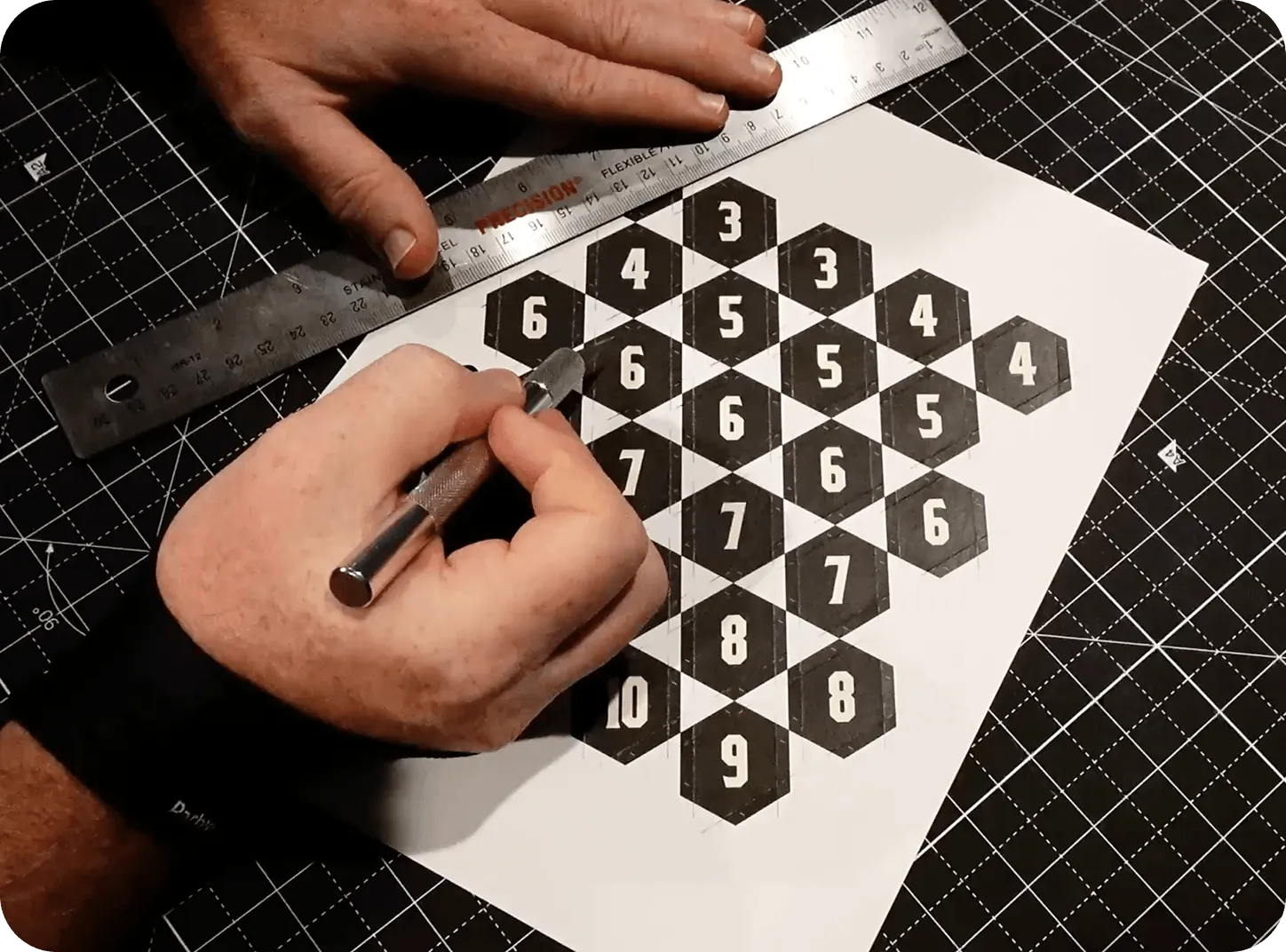
Create reusable cards, boards, and tokens, then take those designs through the details of physical prototype production.
Course 03
Put your game data to work.
Use functions, automation, and balance tools to organize your game, connect it to Figma, and make design decisions.
Course 04
Bring it into a digital arena.
Import your components, build the play environment, and prepare a digital version of your prototype for testing and sharing.
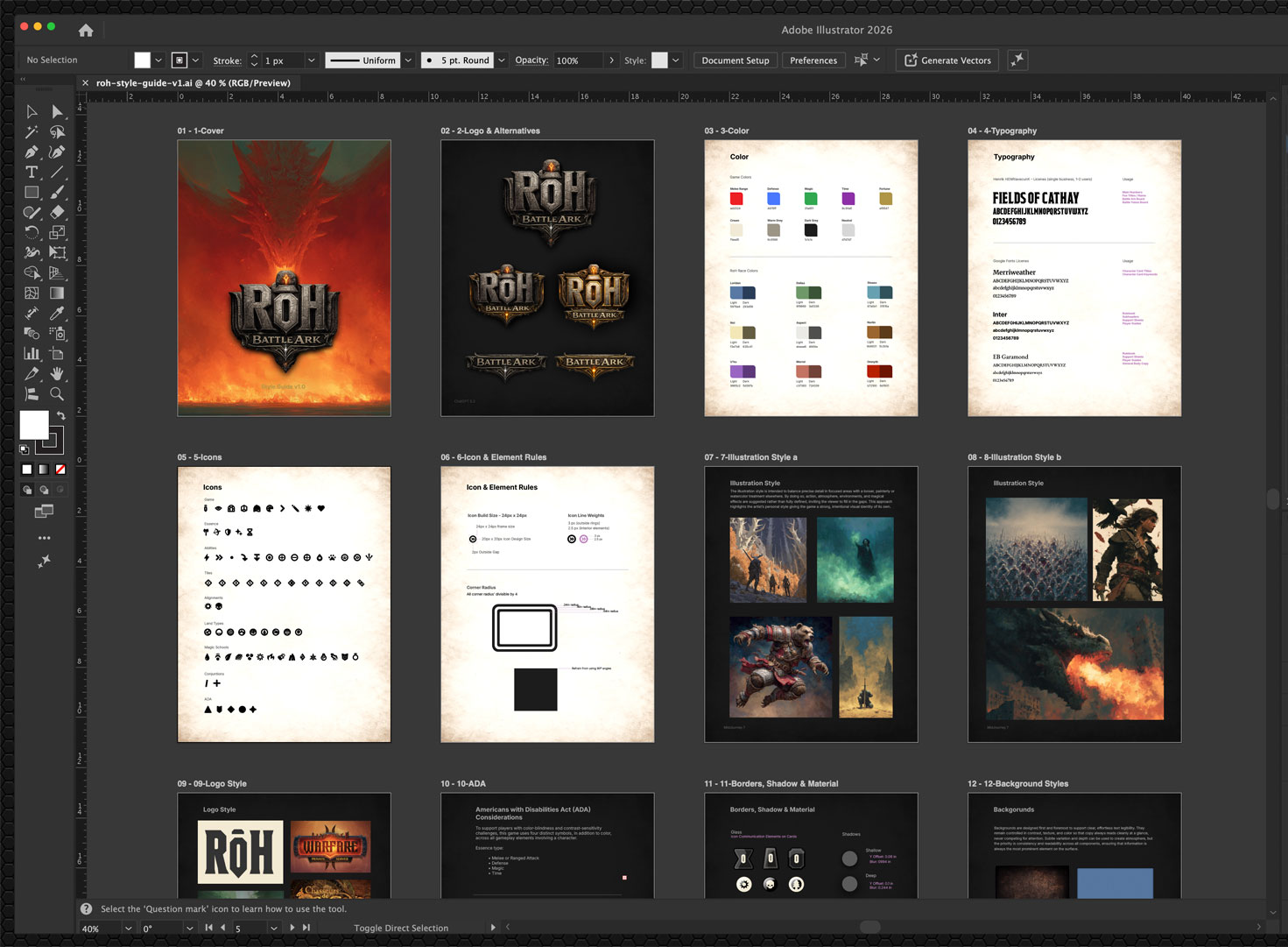
Learn to create polished tabletop assets in Adobe Illustrator, establishing the essential design skills needed for high-fidelity prototyping.
Develop a unified visual language through custom icons, color systems, typography, and a comprehensive style guide that keeps your entire game consistent.
Explore professional physical prototyping techniques while preparing your Illustrator assets for Figma, creating a seamless foundation for Course 02.
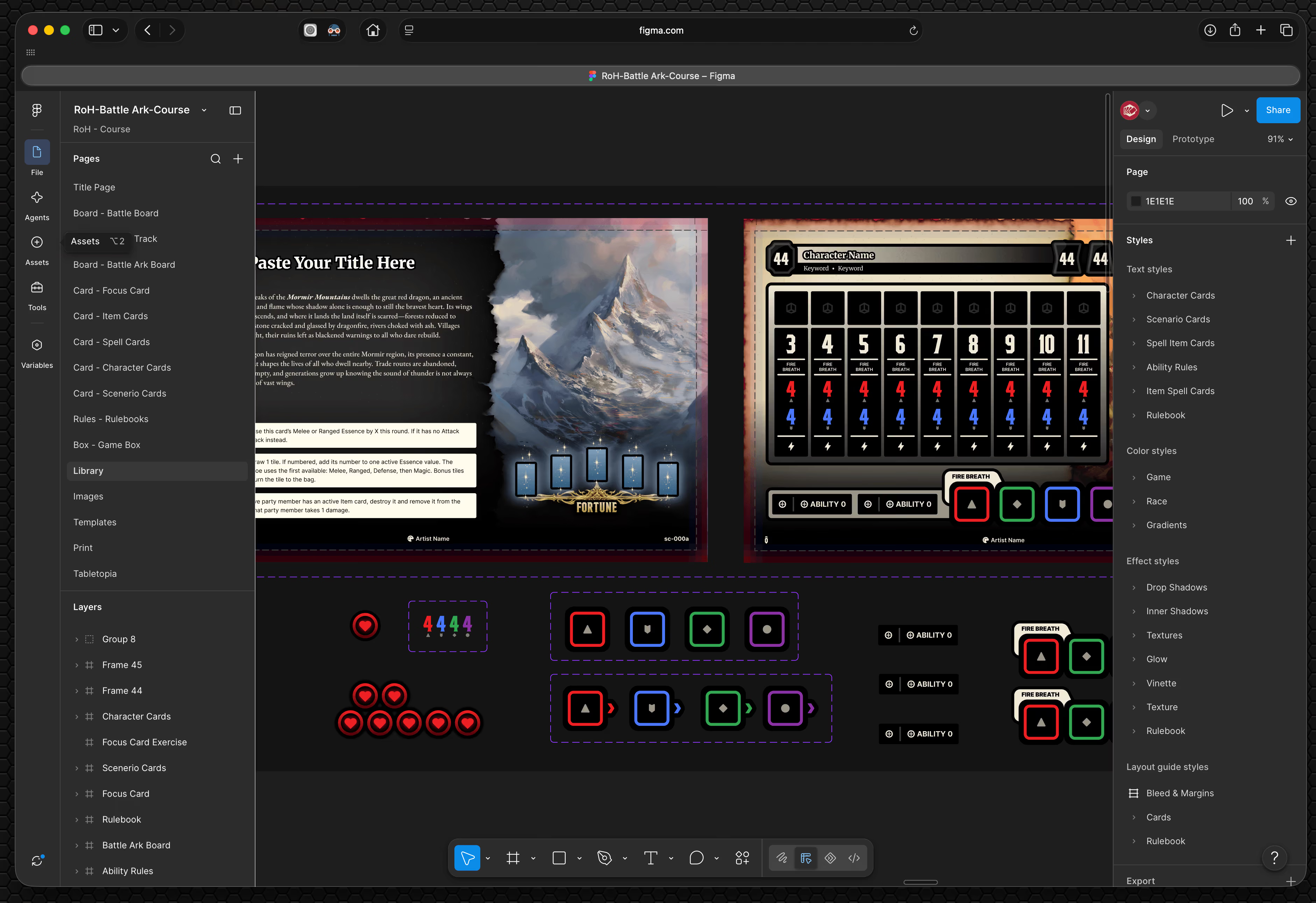
Build a reliable foundation for families of cards and components, with shared styles and meaningful variations that directly tie in with the power of Google Sheets.
Organized game data becomes the foundation for repeatable and scalable design. Give names, abilities, values, and card content a clear home, so your information is easier to update and use.
Connect Sheets and Figma to reduce repetitive production work and make more room for testing and iteration.
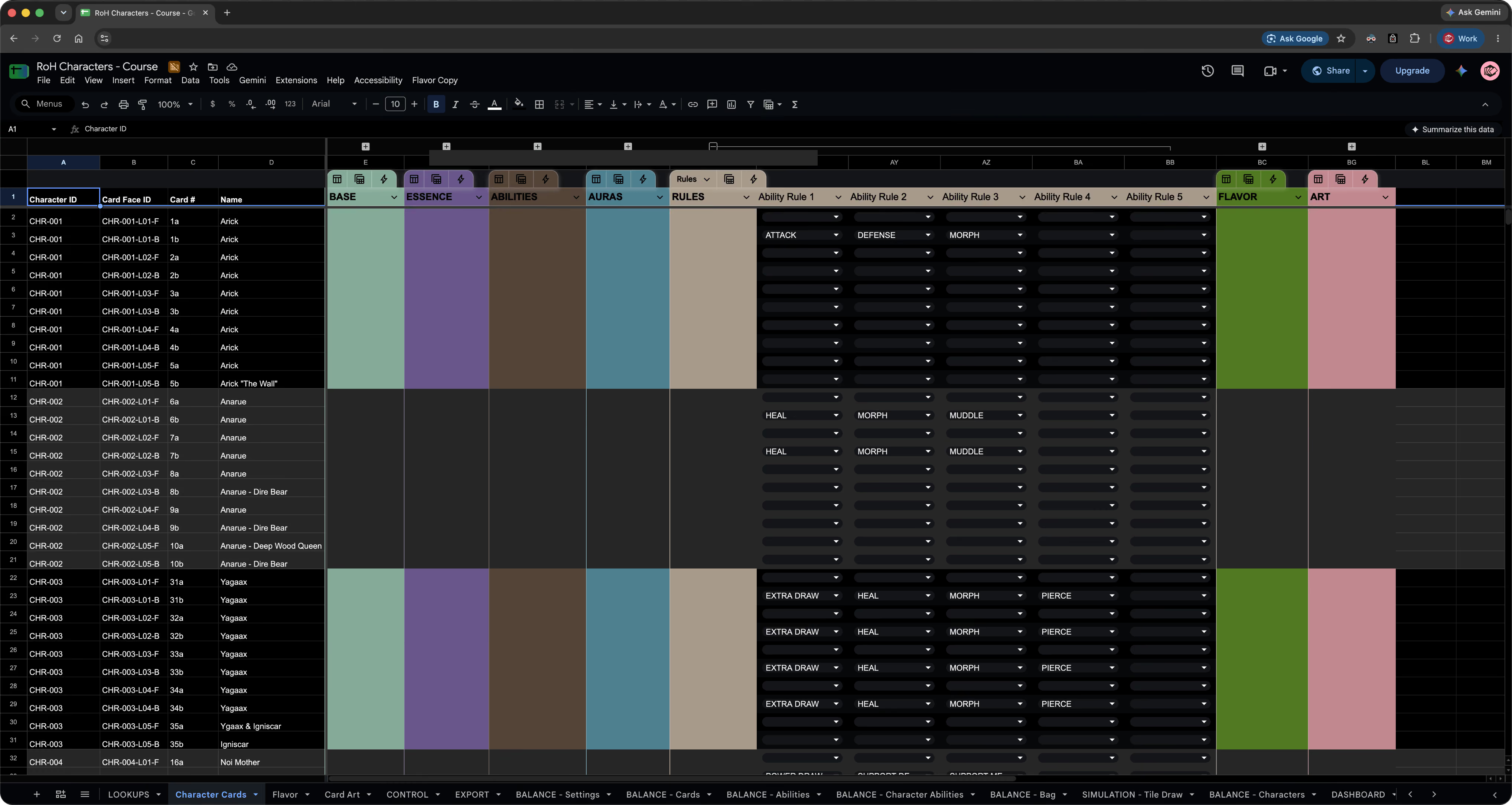
Organize characters, abilities, game pieces, and complex mechanics in Google Sheets, building an intelligent data system that supports your entire game.
Use advanced functions, simulations, and statistical analysis to measure character power, evaluate game mechanics, and make informed balancing decisions.
Build powerful dashboards that bring your game data together, allowing you to visualize performance, manage characters, and control complex design systems.
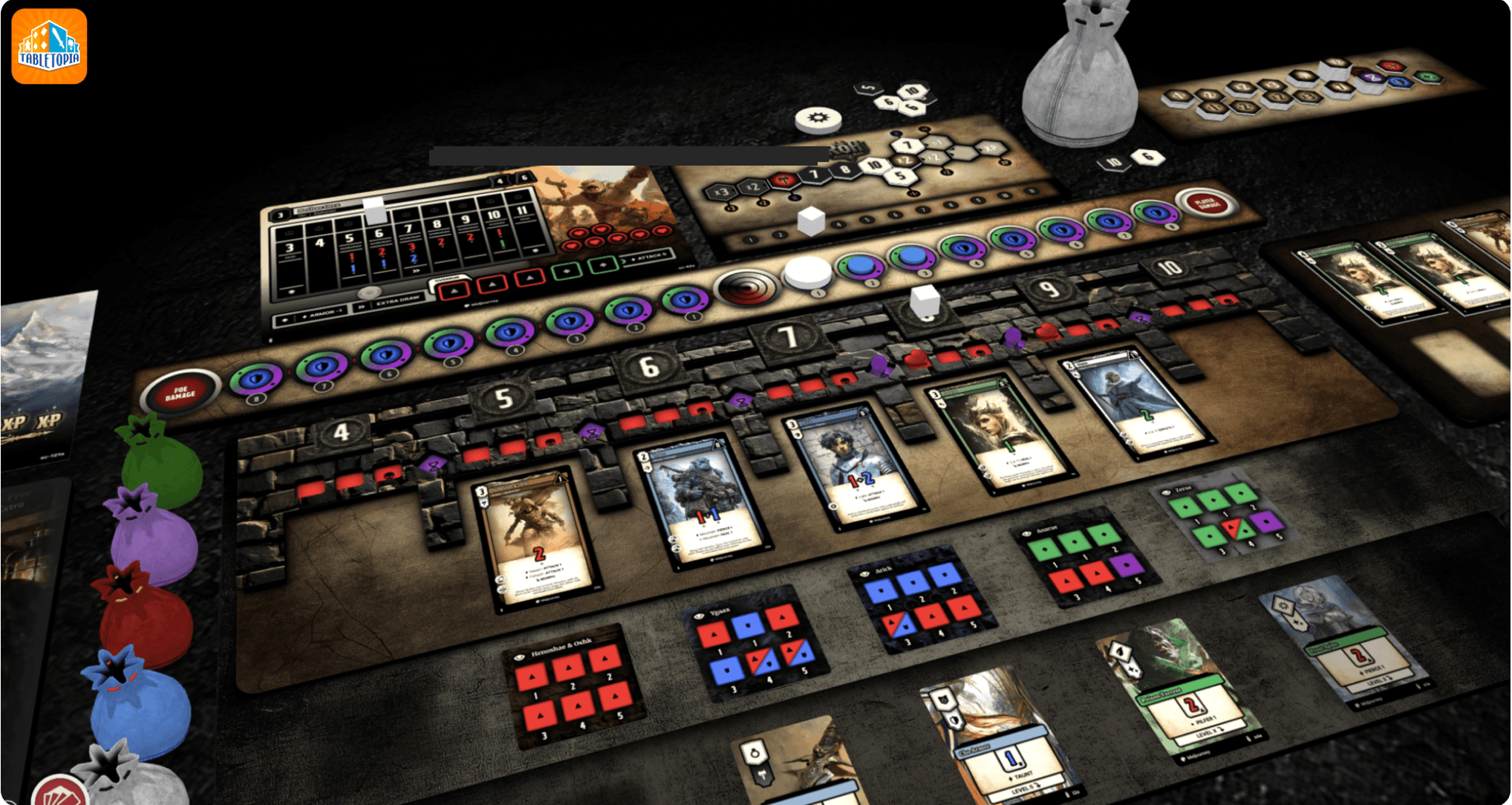
Transform your high-fidelity tabletop prototype into an immersive digital experience using Tabletopia's interactive 3D gaming environment.
Create custom boards, cards, tokens, and game pieces while exploring Tabletopia's extensive library of assets and powerful component customization tools.
Design custom game setups, organize your virtual play areas, and share your prototype with players for online exploration, testing, and refinement.
• You're a passionate tabletop game enthusiast ready to take your hobby into the world of game creation.
• You're an aspiring game designer eager to bring your ideas to life, even without a professional graphic design background.
• You're an experienced graphic designer looking to learn more skills in advanced design systems, automation, and scalable creative workflows.
Heya, I’m Adrian. I created Protomight to share the tools, systems, and design experience that helps turn tabletop game ideas into reality.
I believe in teaching through long-form exposure. These courses are not rushed; every step is explained with purpose, giving us time to explore the inspiration, creative decisions, and techniques behind the work. The result is a consistent, repeatable, and highly adaptable design system built on creative inspiration, practical knowledge, and the confidence to bring your own ideas to life.